Best Free Elementor Pro Alternative 2026 – Pro Elements Review + Free Download
Pro Elements is the best free Elementor Pro features plugin in 2026. It unlocks many premium widgets, Theme Builder, popups, forms, and dynamic content without an Elementor Pro license.
Freelancers, bloggers, and budget-conscious users love it for unlocking professional features for free. This Pro Elements review shows what it offers. You will learn its real strengths and limitations.
You also get setup steps and honest advice on the Pro Elements free download.
What is Pro Elements? (Elementor Plugin Explained)
Pro Elements is a free, community-driven WordPress plugin. It adds professional features normally available only in Elementor Pro.
It includes extra widgets, Theme Builder (headers & footers), popup builder, advanced forms, dynamic content, and more. The plugin stays updated automatically.
Why Pro Elements is the Best Free Elementor Alternative
Pro Elements wins because it removes the cost barrier. Many users want Elementor Pro features but cannot afford the yearly license.
It is actively maintained and offers automatic updates. In 2026, it remains popular among users who need advanced tools on a budget. It works smoothly with the free Elementor plugin.
Top Features of Pro Elements That Unlock Professional Design
Pro Elements delivers powerful tools for free.
Theme Builder & Display Conditions
Build custom headers, footers, and single templates. Show or hide them based on conditions like user role or page type.
Advanced Widgets
Access many premium-style widgets including advanced sliders, galleries, pricing tables, testimonials, and more.
Popup Builder
Create beautiful popups for lead generation, offers, and announcements. Full design control.
Advanced Forms & Multi-Step
Build complex forms with multiple steps, conditional logic, and extra actions.
Dynamic Content & WooCommerce Support
Display dynamic data and create custom shop layouts easily.
Quick summary: These features give you most of Elementor Pro power at zero cost.
How Pro Elements Boosts Your Website Building
Pro Elements helps you create professional sites faster. You unlock advanced design options without paying. Sites look more polished. Many users build full websites using only the free Elementor + Pro Elements combo.
How to Build High-Converting Websites with Pro Elements
Use these strategies for better results.
Manual vs Automated Design
Manual design is limited with free Elementor. Pro Elements adds automation through templates, conditions, and dynamic features.
Best Placement Strategies
Use popups and sticky headers for better engagement. Place key widgets above the fold. Create conditional sections for different users.
Call-to-Action Optimization Tips
Design attractive buttons and forms. Use hover effects and animations to increase clicks.
How to Automate Design with Pro Elements
Pro Elements makes advanced building easier. Set display conditions once. Create reusable templates. Build headers and footers that work across the site automatically.
Pro Elements vs Other Elementor Addons (Comparison Table)
| Feature | Pro Elements | Element Pack Pro | Ultimate Addons | Elementor Pro |
| Price | Completely Free | $49/year | $69/year | $59+/year |
| Theme Builder | Yes | Limited | Yes | Full |
| Popup Builder | Yes | Yes | Yes | Yes |
| Widgets Count | Good | 300+ | 50+ | 100+ |
| Automatic Updates | Yes | Yes | Yes | Yes |
| Official Support | Community | Good | Good | Excellent |
| Best For | Budget Users | Maximum Widgets | Speed | Full Professional |
Pros and Cons of Pro Elements
Pros and cons help you decide fast.
Pros
- 100% free with no license needed
- Unlocks many Pro features
- Automatic updates
- Active community maintenance
- Easy to use
Cons
- Not officially supported by Elementor
- Some features may be missing or limited
- Potential future compatibility risks
- No priority support
Overall: Excellent free solution with some trade-offs.
Is Pro Elements Worth It in 2026? (Honest Review)
Yes, Pro Elements is worth trying in 2026 if you want to save money. It delivers solid value for personal sites, blogs, and small businesses.
For client projects or large sites, official Elementor Pro is safer. Test it on a staging site first.
Pro Elements Free Download – Latest Version
Pro Elements is completely free. Download the latest version from the official site proelements.org or GitHub.
No paid version exists. Always download from trusted sources only.
How to Install Pro Elements on WordPress
Installation takes under 10 minutes. Follow these steps.
- Download the latest zip from proelements.org.
- Go to WordPress → Plugins → Add New → Upload Plugin.
- Upload and activate the plugin.
- Make sure Elementor (free) is installed.
- Start using new widgets and Theme Builder.
Best Practices for Using Pro Elements
Follow these tips for maximum results.
- Keep both Elementor and Pro Elements updated.
- Test popups and conditions carefully.
- Use only needed features for best performance.
- Have a backup before major updates.
- Monitor for any compatibility issues.
Common Mistakes to Avoid
Avoid these errors to protect your earnings.
- Using it on important client sites without testing.
- Ignoring official Elementor updates.
- Expecting 100% of Elementor Pro features.
- Not making regular backups.
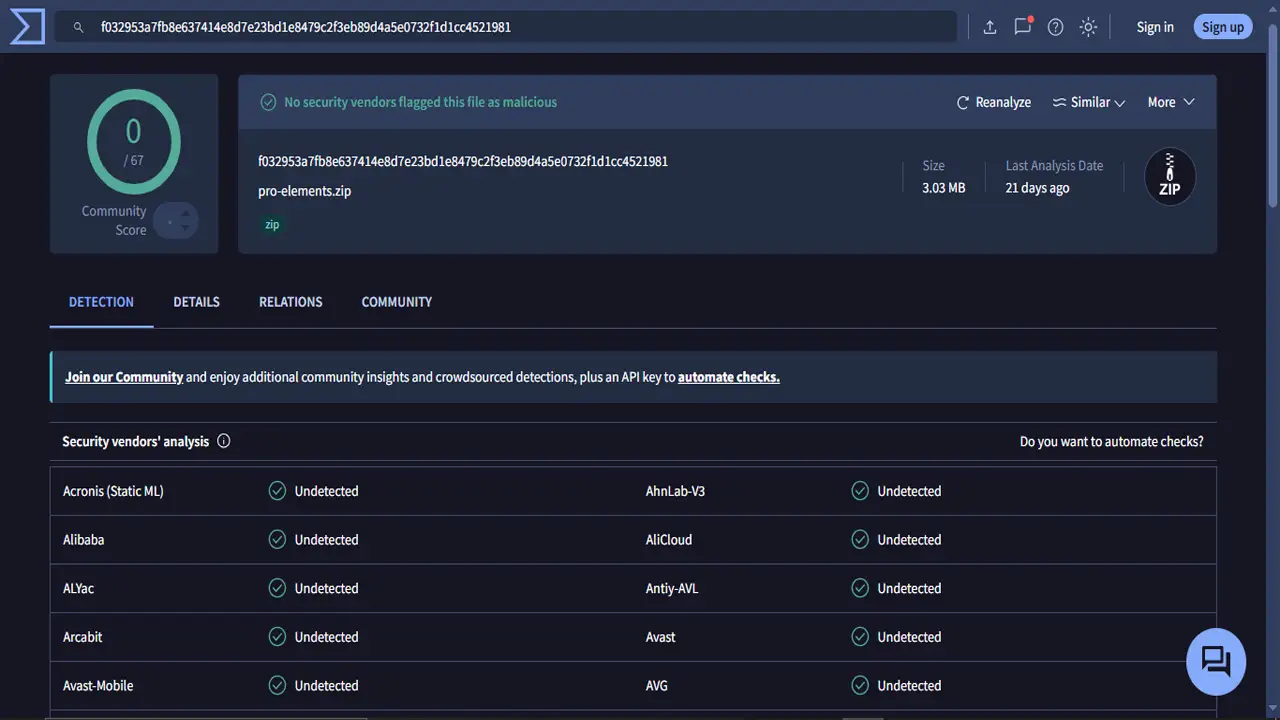
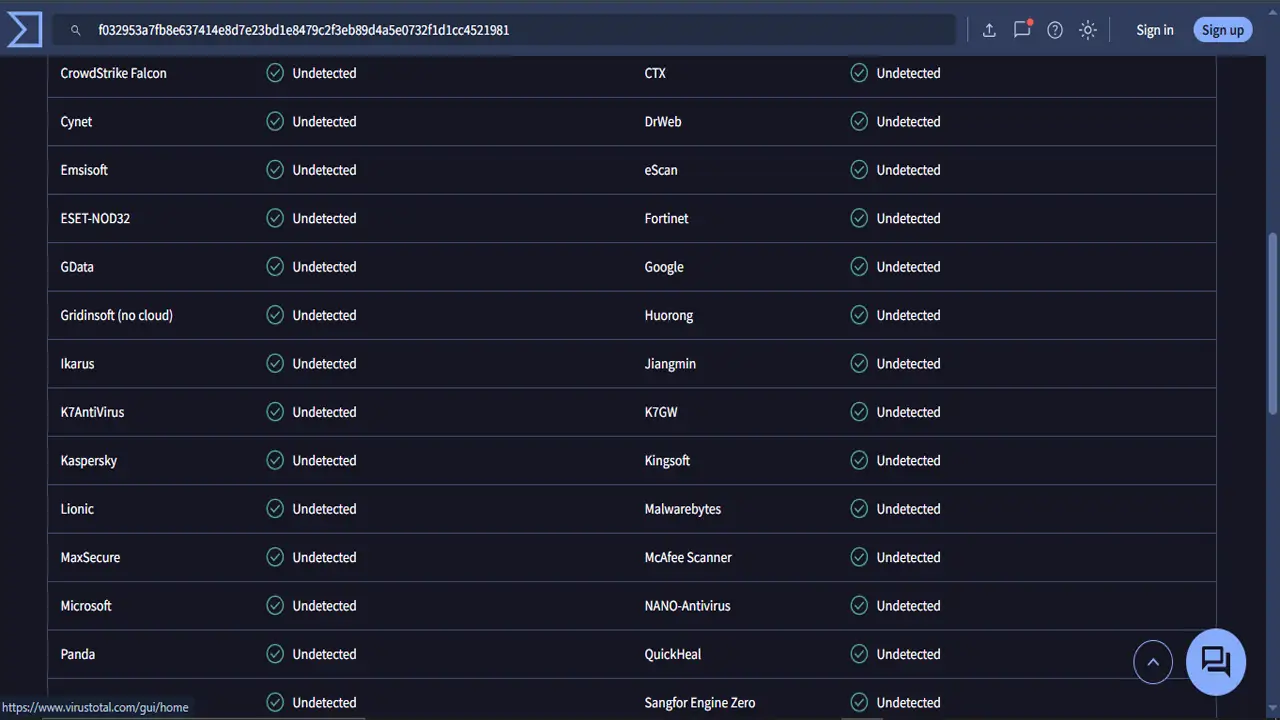
Scanned with VirusTotal
Frequently Asked Questions (FAQs)
Download Pro Elements Now and enhance your Elementor experience in 2026.